Product Description
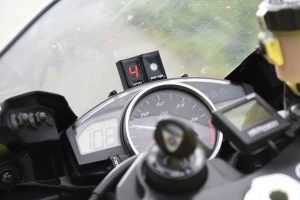
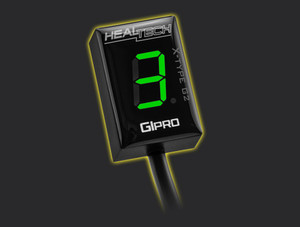
The current generation GIpro gear display. It uses touch controls instead of physical buttons, so there's no opening in the housing for water to get into, and it auto-dims the display based on ambient light so it's readable in full sun and not blinding at night. Easiest one in the lineup to wire in.
Key Features
- Reads your gear the instant you release the clutch, with adjustable sampling speed to match your shift style.
- Fully sealed housing with touch controls on top, works with the optional GIpro Mount too.
- Most bikes take under 45 minutes with a Plug 'n Go harness kit.
- Bright LED display in 5 colors, brightness adjusts automatically to ambient light.
- You can set a warning to trigger past a road speed or engine speed limit you choose.
- Learns your bike's gear positions automatically the first time you run the learning mode.
- Encapsulated construction, flash memory that survives a disconnected battery, and an IP68 waterproof rating.
- Size: 20 x 30 x 13mm (0.7 x 1.2 x 0.5 inches)
- Weight: 26g
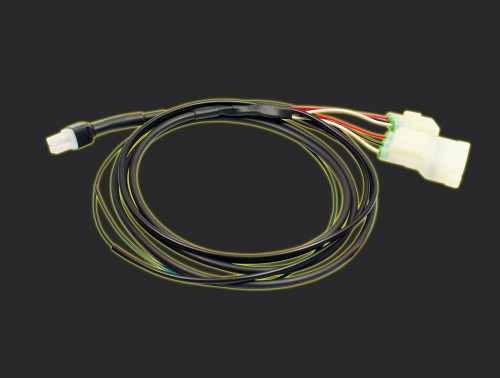
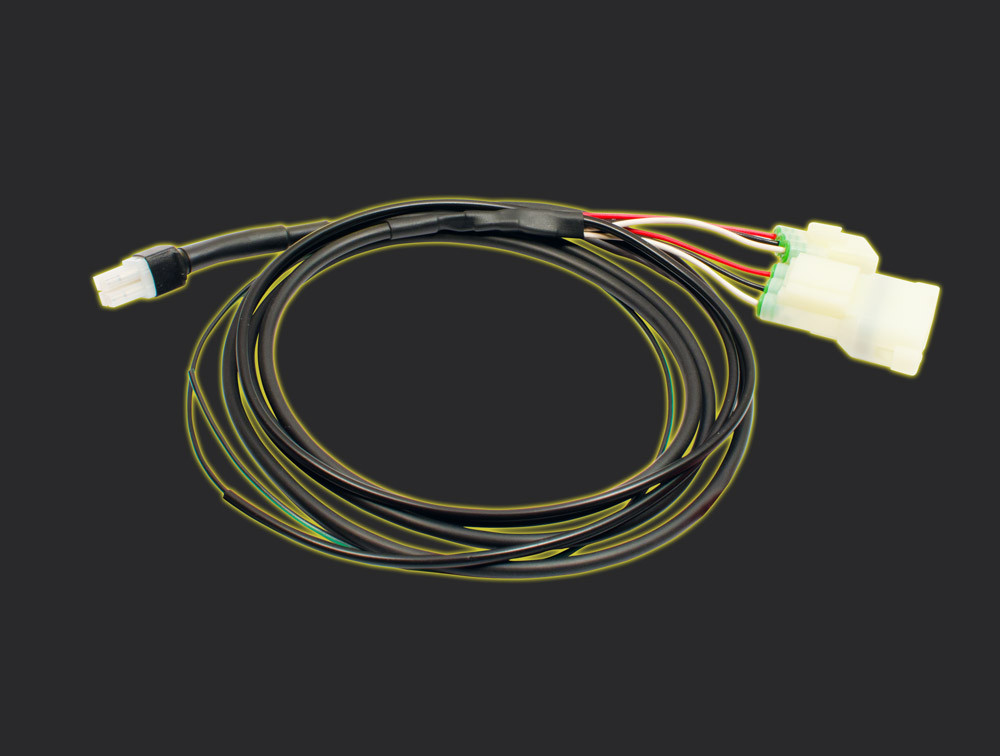
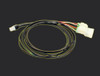
This is the wiring harness for your bike, on its own. It doesn't come with the unit. You'll need GIpro X-Type G2 Display Unit Only to finish the job. Already own the unit? This harness is all you're missing.
Use the fitment search bar above to look up the exact part number for your bike by Make, Model, and Year.
FAQ
What's included when I buy this?
Just the bike-specific wiring harness, no control unit. You'll need the unit itself, sold separately, or already own one.
Will it work with my quickshifter or Power Commander?
Yes, it runs independently and won't interfere with either.
What does installation involve?
With a Plug 'n Go harness kit, it's one connector plus tapping one or two wires with the included wire taps, usually all under the fuel tank. With a universal harness kit, it's four wire taps, no cutting or soldering.
I already have an older X-type installed, can I upgrade?
Yes, just order the X-type G2 display unit only. Your existing harness kit doesn't need to change.
Which display color should I pick?
Red and green read best in bright daylight. Blue is next, then white. Yellow only works well if the display sits somewhere shaded.
Manuals & Install Guides
- User Manual
- Install guide for GPX-A02
- Install guide for GPX-D01, GPX-D02
- Install guide for GPX-H01
- Install guide for GPX-H02
- Install guide for GPX-H03
- Install guide for GPX-H04
- Install guide for GPX-H05
- Install guide for GPX-HA1
- Install guide for GPX-HY1
- Install guide for GPX-K01
- Install guide for GPX-K02
- Install guide for GPX-KT1
- Install guide for GPX-MV1
- Install guide for GPX-S01, GPX-S02
- Install guide for GPX-T01
- Install guide for GPX-Y01, GPX-Y03, GPX-Y04
- Install guide for GPX-Y02
- Install guide for GPX-U01
- Install guide for GPX-U02
- Install guide for GPX-WSS